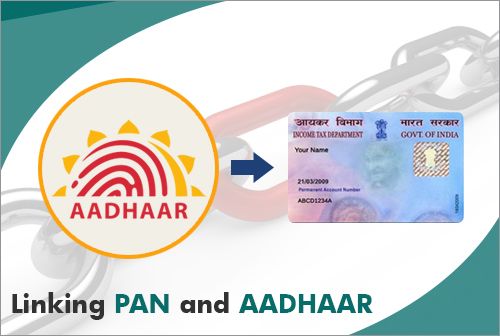
How to Link Aadhaar with PAN Card Online
<p>Mandatory procedure to check Aadhaar-PAN linking status and link them online through the Income Tax e-Filing portal step-by-step.</p>
Linking your Aadhaar with PAN is mandatory under Section 139AA of the Income Tax Act. Failure to link results in the PAN card becoming inoperative, preventing tax refunds and banking transactions.
You can check the linking status in 30 seconds without logging into the Income Tax portal, and complete the linking process smoothly with online challan payment.
Eligibility Requirements
<p>All individuals who have been allotted a PAN card as on July 1, 2017, and are eligible to obtain an Aadhaar number.</p>
Documents Required
<p>1. 10-digit PAN Card Number 2. 12-digit Aadhaar Card Number 3. Mobile number linked to Aadhaar for OTP verification 4. Net banking or UPI for Challan ITNS 280 fee payment if applicable</p>
Step-by-Step Application Process
Official Public Portal
Always apply directly through verified public portals.
More Guides

Ayushman Card Apply Online – Complete Guide
<p>Step-by-step guide to check eligibility and apply for Ayushman Bharat PM-JAY Golden Card online for up to ₹5 lakh free annual healthcare treatment.</p>
How to Apply for Aadhaar Card Online
<p>Learn how to book an Aadhaar appointment online, find an enrollment center, and complete the enrollment process quickly without waiting in queues.</p>
How to Apply for PAN Card Online
<p>Step-by-step guide to apply for a new PAN card online through Protean (NSDL) or UTIITSL, including instant e-PAN via Aadhaar e-KYC.</p>